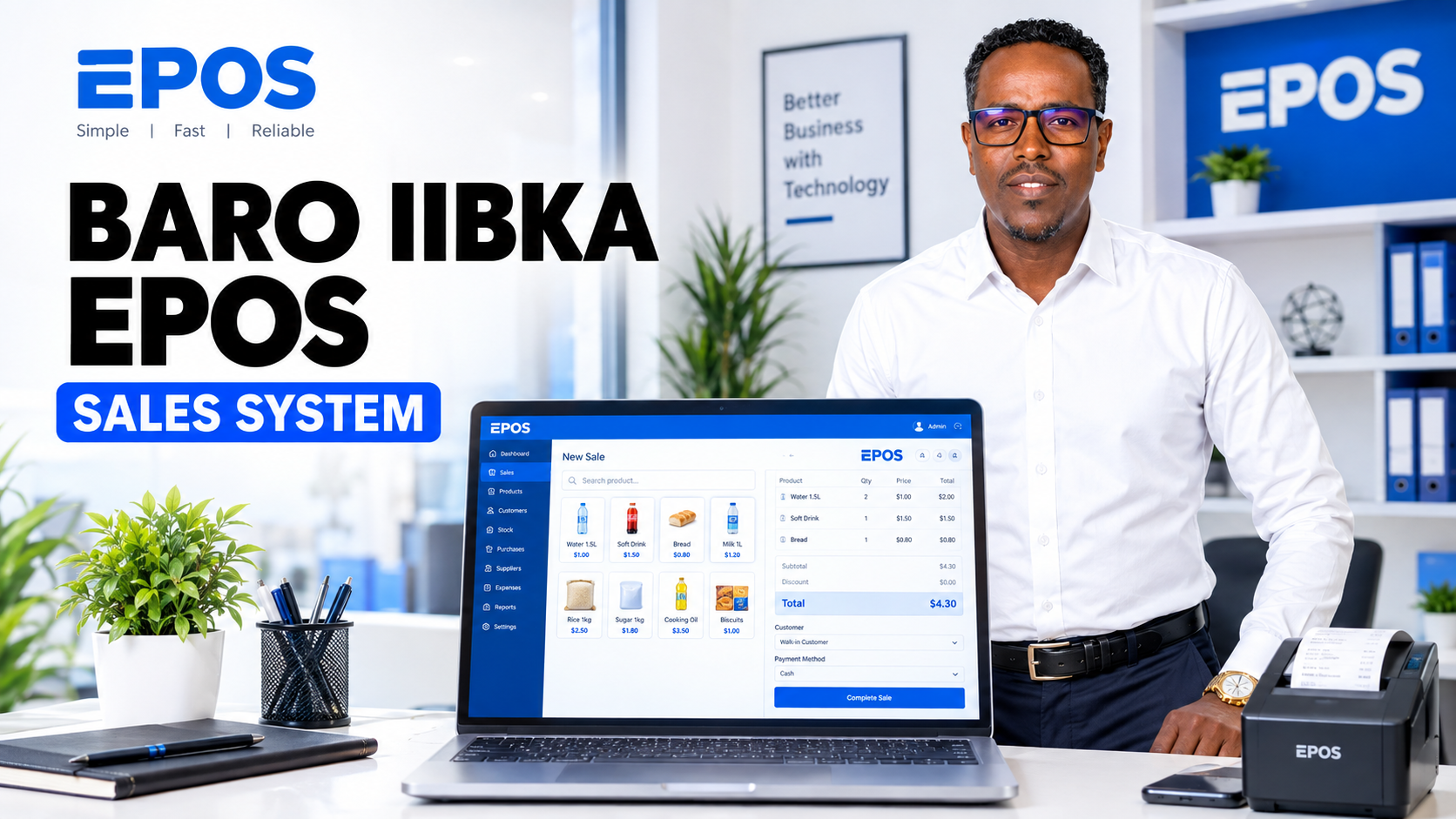
EPOS ERP SYSTEM Business management software
EASY SALES MANAGEMENT
Read your daily sales reports



Bring your everyday operations together. Choose the modules that fit your business and activate additional features as needed.
Create cash and credit invoices, manage quotations and returns, and track daily sales.
Monitor stock balances, batches, expiry dates and warehouse movements.
Create purchase orders, receive goods and keep supplier balances organized.
Track outstanding debts, receipts, customer statements and credit limits.
Organize receipts, expenses, ledgers and financial reports in one workspace.
Review sales performance, stock movements and financial results.
Manage authorized branches, warehouses and staff permissions.
Use a compatible USB keyboard-mode scanner to find products. Optional add-on; owner approval required.
Manage production workflows and raw materials where the module is enabled.
Review sales, stock and financial performance from a single workspace. Give every team member the access they need, without losing control.
Keep inventory, sales and accounting records together.
Give staff access to the modules they need.
Configure company branding, logos and system appearance.
Access your workspace from a supported desktop, tablet or mobile browser.
Illustrative dashboard preview · sample data
Choose your plan and create your workspace.
Review the available subscription options.
Set up the company and administrator account.
Submit payment details for owner verification.
Configure your workspace and begin recording transactions.
Start with the essentials or unlock more advanced tools as your business grows. Compare the available plans and optional add-ons.
Core business software for small operations and single-branch setups.
Module access and add-ons subject to owner approval.
Full management control for growing multi-branch companies.
Module access and add-ons subject to owner approval.
Tailored enterprise controls and integrations for large operations.
Module access and add-ons subject to owner approval.
Displayed totals cover the first user for the selected term. Additional users, branches, warehouses and optional scanner access may cost extra. The checkout and owner approval determine final access and charges.
Find answers about subscriptions, scanner support, users, setup and using EPOS.
Ask us a questionEPOS is a web-based business management system for sales, inventory, purchases, customer accounts, accounting and reporting. Available modules depend on your subscription and owner-approved permissions.
Yes. Use a supported web browser on a desktop, laptop, tablet or smartphone. A stable internet connection is needed for an online deployment.
Yes. A compatible USB scanner in HID keyboard mode with an Enter suffix can be used in supported modules. Scanner access is optional and must be approved by the platform owner.
The owner configures the scanner price separately for each plan. The optional fee is charged per company, not per user. If available for your plan, you can request activation in Billing after registration.
Yes, when permitted by your subscription. You can request additional branches, warehouses or users from the billing page; staff access is controlled by their assigned permissions.
Yes. Additional paid user slots can be requested through Billing. The owner may also grant complimentary user slots.
Choose a plan and complete registration. Submit your payment details according to the billing instructions. The platform owner verifies the request before activating paid access.
Not necessarily. Access depends on your plan and owner approval. Some modules can require an explicit grant, even when the plan includes them.
EPOS supports inventory import using its item upload template. Review your item names, opening quantities, costs and optional product codes before uploading.
Use the contact information below to ask about setup, subscription options or support. Support arrangements depend on your selected plan.
Start with EPOS ERP or talk to our team about your requirements.